Articles

Guides, market notes, and product insights for smart buyers.

Showing articles tagged used iPhone Clear tag

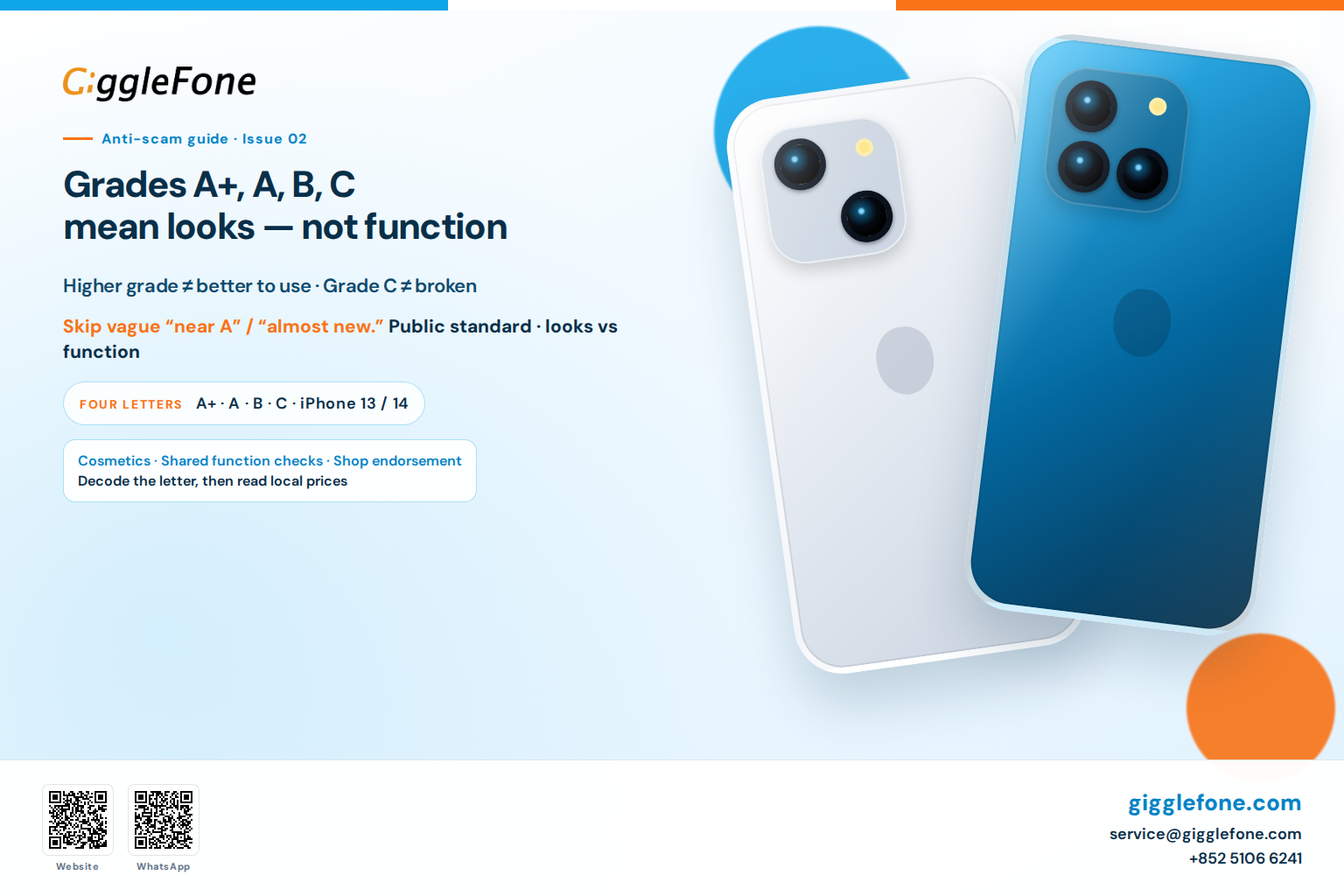
Buying a used iPhone: grades A, B, C mean looks — not function

Buying a used iPhone: grades A, B, C mean looks — not function

Grades describe cosmetic condition; function should share one standard. A higher grade is not automatically better to use, and Grade C does not mean broken.
Giggle Fone Editorial
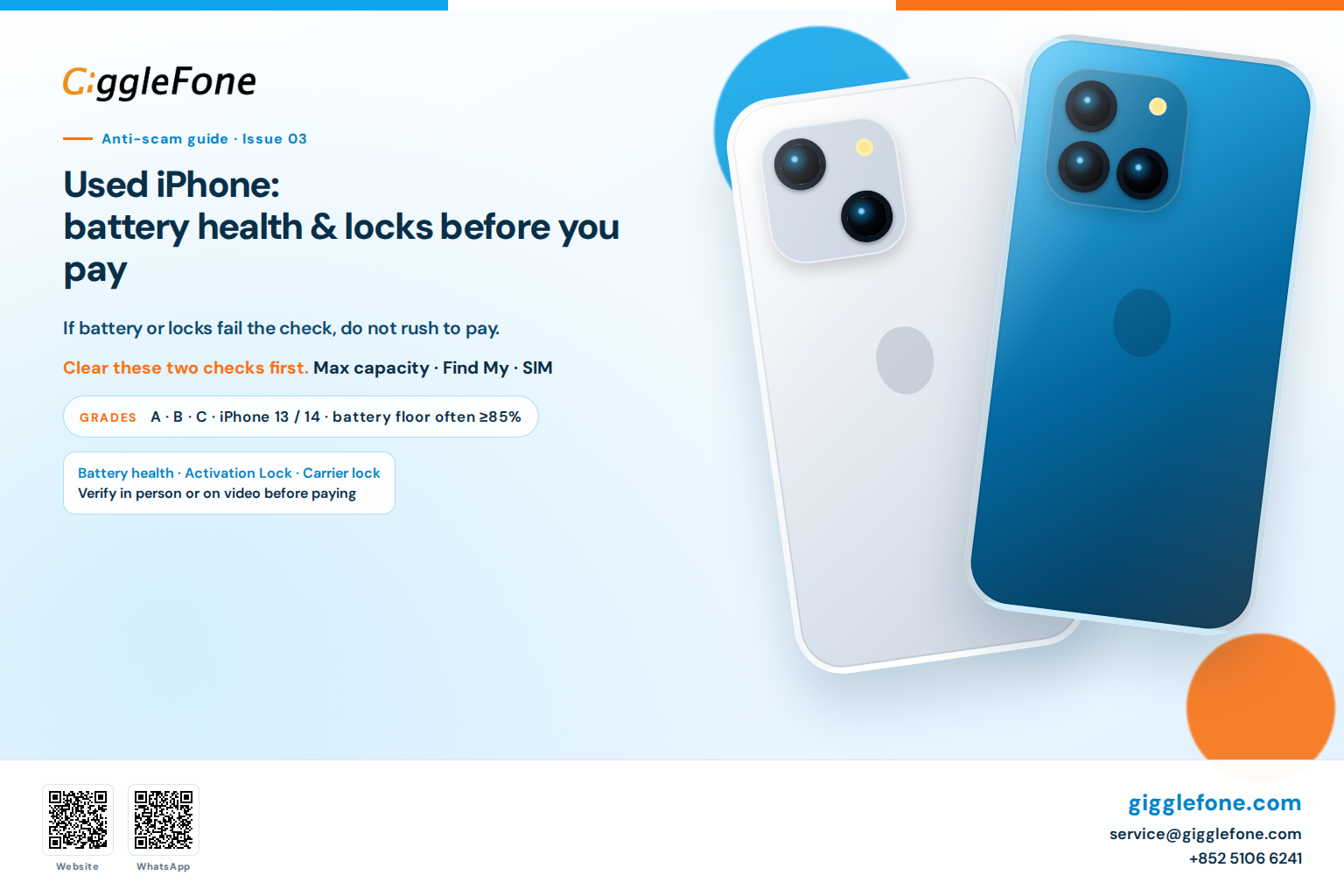
Buying a used iPhone: battery health and locks to check before you pay

Buying a used iPhone: battery health and locks to check before you pay

Before you pay, verify Maximum Capacity, Activation Lock, and carrier lock. If the battery or locks fail the check, do not rush to pay.
Giggle Fone Editorial
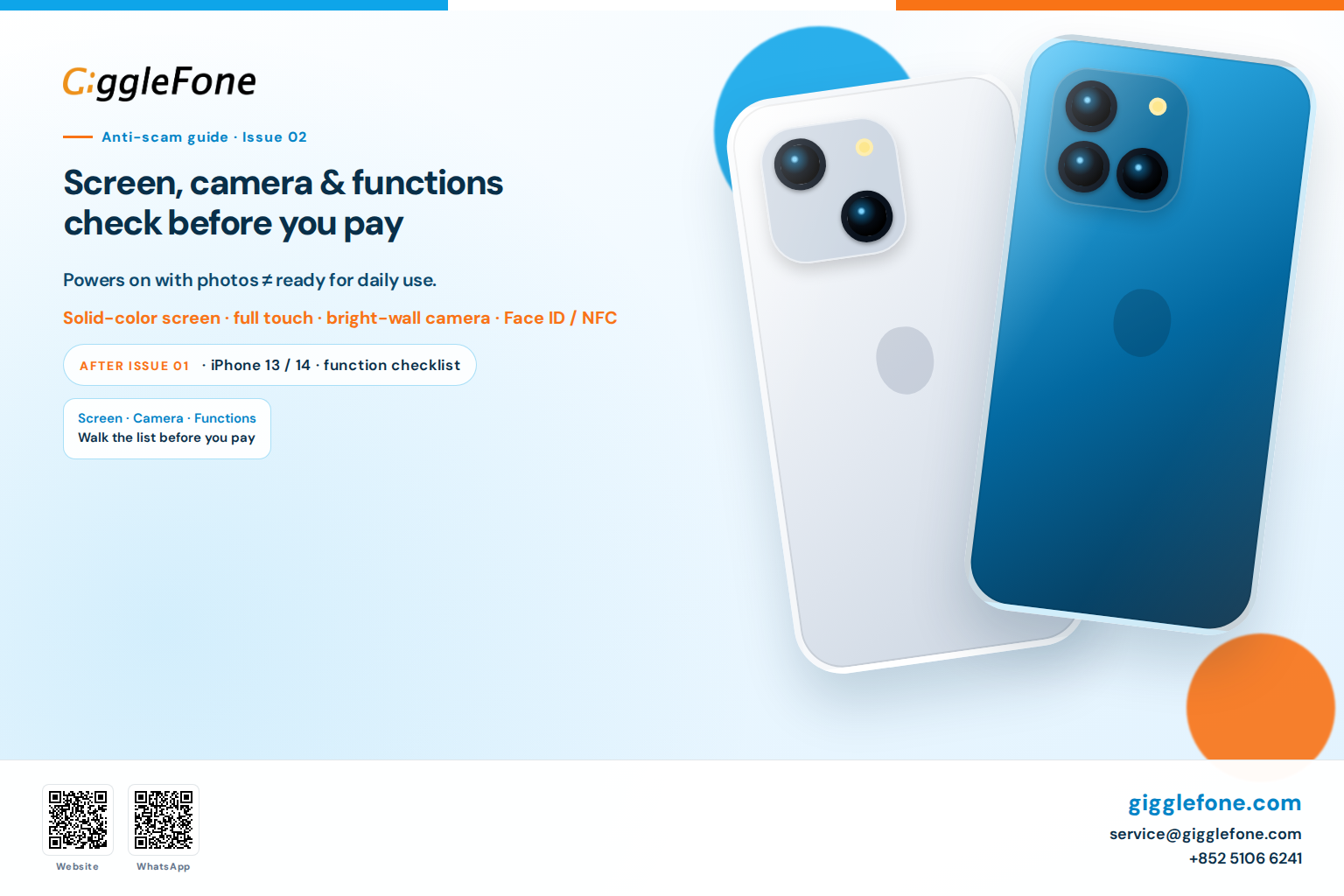
Buying a used iPhone: check screen, camera, and functions before you pay

Buying a used iPhone: check screen, camera, and functions before you pay

Before you pay, check the screen, cameras, and everyday functions — including True Tone, call proximity, Wi‑Fi and Bluetooth. Powers on with photos is not the same as ready for daily use.
Giggle Fone Editorial
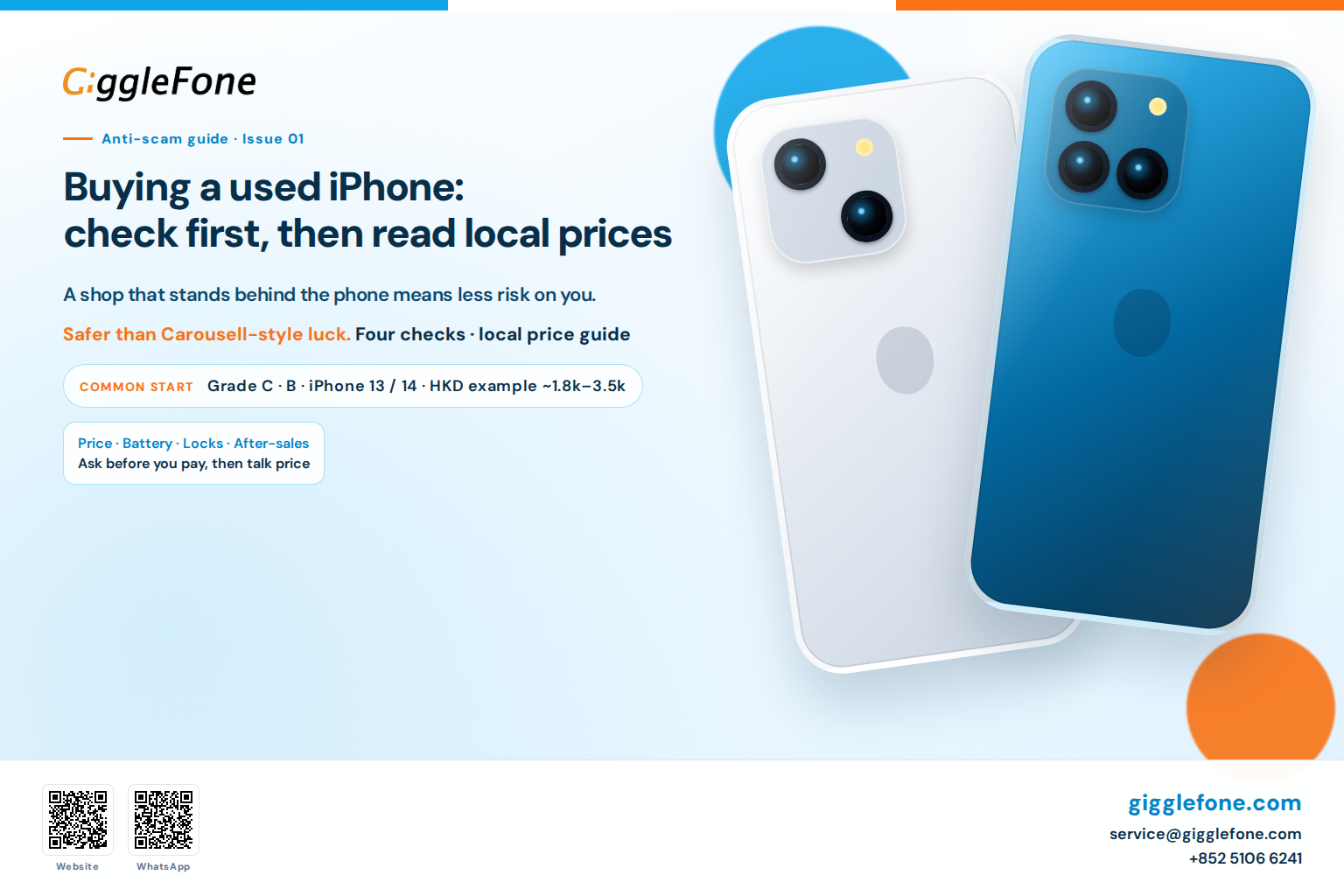
Buying a used iPhone: check first, then read local prices

Buying a used iPhone: check first, then read local prices

Before you pay, verify price, battery, locks, and after-sales — then compare with common local euro prices. A shop that stands behind the phone means less risk on you. Euro ranges are France-market examples only.
Giggle Fone Editorial
Before buying a used iPhone: 5 pitfalls to avoid

Before buying a used iPhone: 5 pitfalls to avoid

Used iPhone: how not to get caught? Non-original parts, iCloud lock, worn battery, misleading condition, no after-sales — here are the 5 pitfalls and how 80+ inspection points, grades A/B/C and a 6-month warranty protect you.
Giggle Fone Editorial