

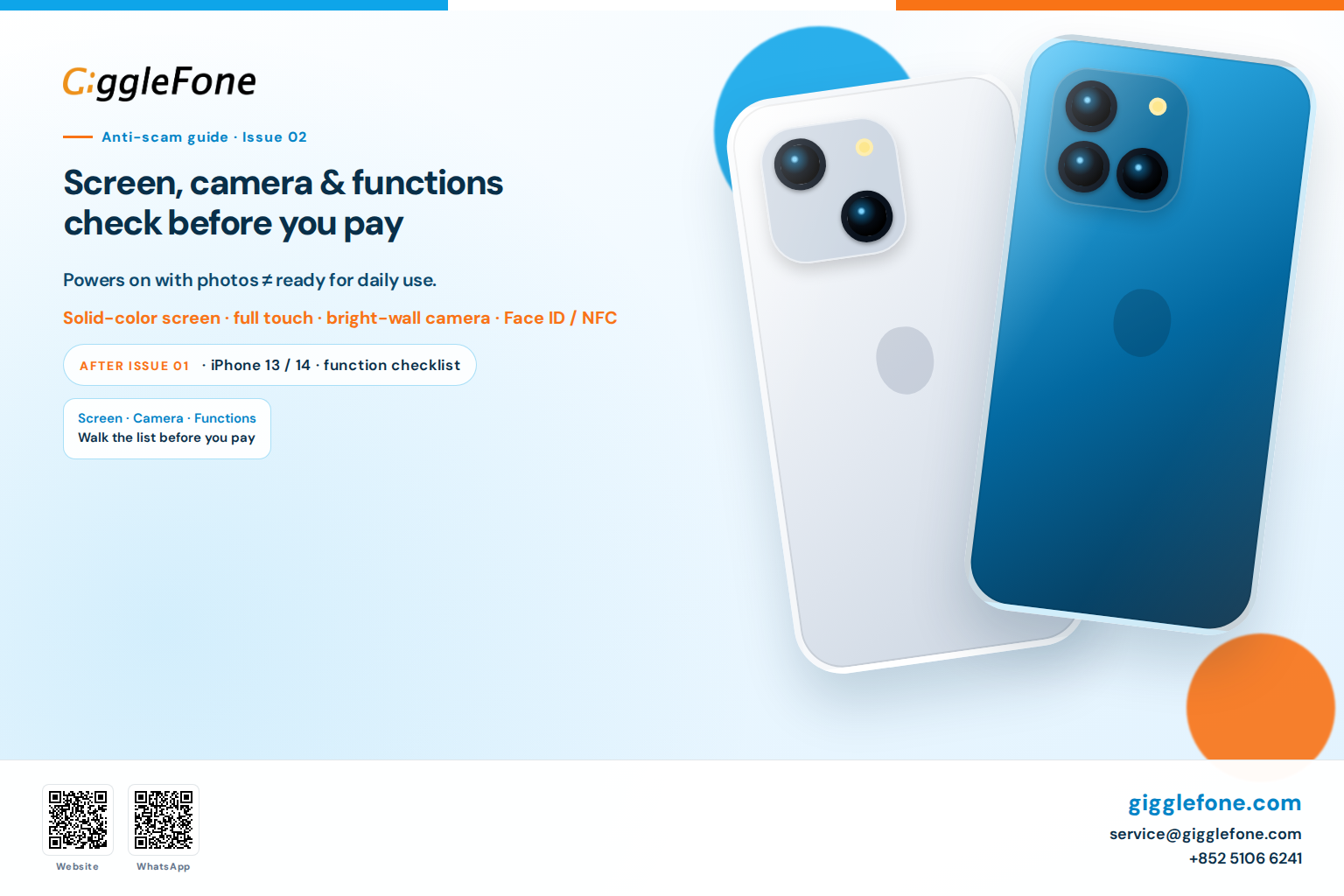
Buying a used iPhone: check screen, camera, and functions before you pay
Buying a used iPhone: check screen, camera, and functions before you pay
Published: 1 August 2026
Powers on with photos ≠ ready for daily use.
A used phone that powers on with photos is not automatically ready for daily use. This guide covers screen, cameras, and function checks — not a push to check out.
After Issue 01
First, check why the price is low, whether the battery lasts a day, locks, and who handles problems. This guide: screen, cameras, function checks. Grades A / B / C describe appearance only.
Screen · Cameras · Functions
- Solid-color / high-contrast screen; full-screen touch; dialer digits
- True Tone present (Settings → Display & Brightness) — often missing after a non-genuine screen
- Rear camera on a bright surface (0.5× / 1×); front + Face ID setup (mask Face ID if shown)
- About → Parts and Service History
- NFC if available; SIM tray + short call; palm over top should dim (proximity)
- Wi‑Fi / Bluetooth — networks and devices appear
- Speaker / mic / buttons; wired charging spot-check
Endorsement
80+ inspection points · battery ≥85% · real-unit photos · 6-month warranty · 14-day returns on gigglefone.fr.
| Entry | Link |
|---|---|
| Catalog | gigglefone.fr/en-US/p |
| One device, one photo | gigglefone.fr/en-US/d |
| Grades | gigglefone.fr/en-US/grades |
WhatsApp: +852 5106 6241 · wa.me/85251066241
Email: [email protected]
General anti-scam guide. Warranty and returns follow the product page at purchase.